Add your website details
Once you have an account, you can enter the domain name of the website you want to track. For example, if your site is https://www.yourdomain.com, enter yourdomain.com in the Domain field. Remove https:// and www. from the URL.
Does your site operate on multiple subdomains such as docs.yourdomain.com and app.yourdomain.com? Simply add your main domain name (yourdomain.com) to your Plausible account and use the same tracking snippet on all your subdomains. This keeps the visitor session active between the main site and its subdomains.
If you'd like to track a particular subdomain independently from the rest of your site, you can do that too. For example, if the subdomain you want to track on its own is https://blog.yourdomain.com then the part to enter in the Domain field is blog.yourdomain.com.
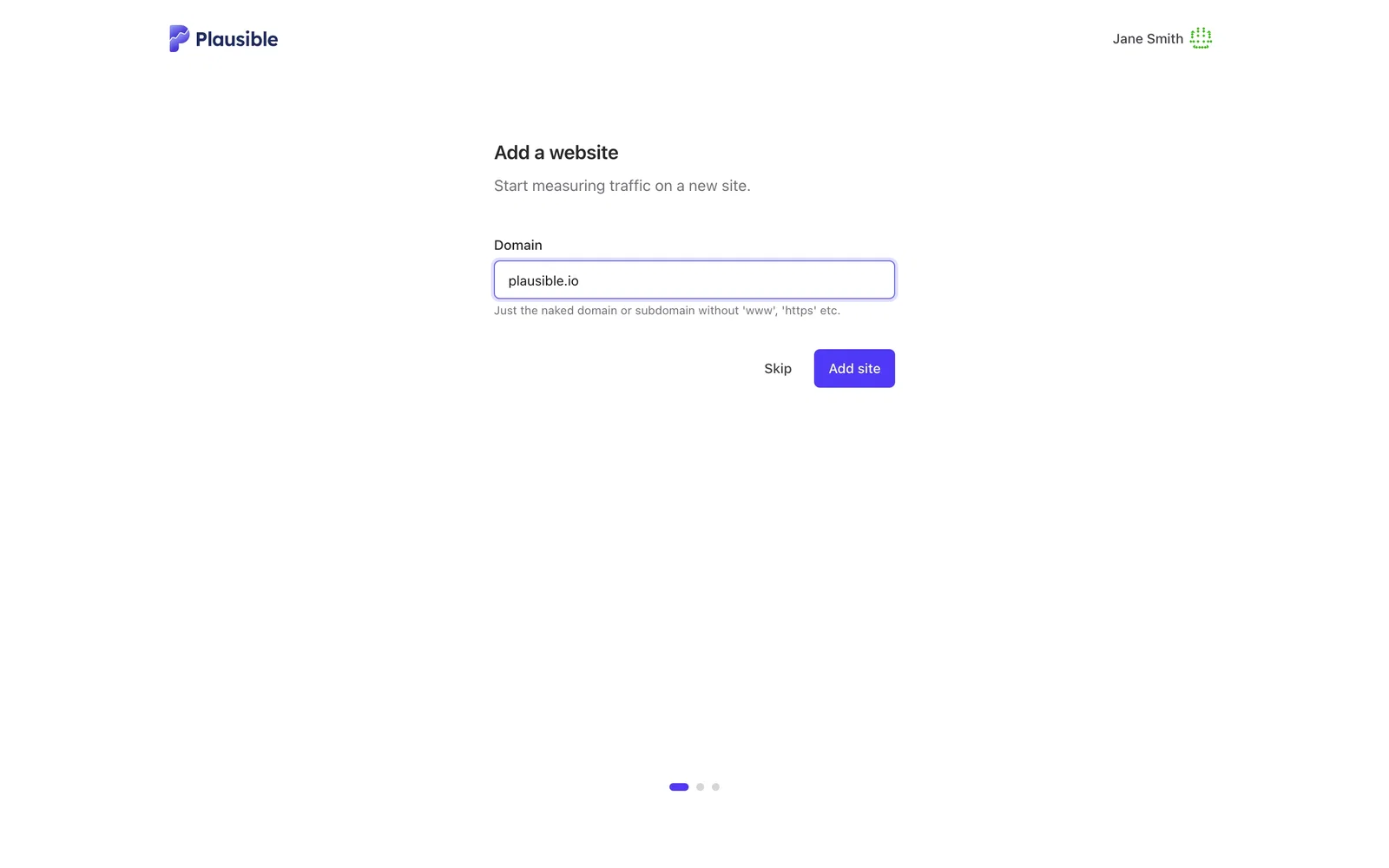
In some setups, you may want to track traffic under a different domain than where the snippet is installed. For example, if you run country-specific domains (example.de, example.nl) you can point them all at a single Plausible site to collect stats in one place. This is only recommended if you want everything in one dashboard without separate per-domain dashboards. In that case, the domain field acts as an identifier rather than an exact match. See how to track multiple country or language domains.
Next: set up a team (optional)
When you add your first site during signup, Plausible asks you to set up a team next. The team name is suggested from your domain and the site you just added moves into the new team. You can invite members and assign their roles in the same step. See how teams and roles work.
Working on your own? Click Skip. Your site stays under My personal sites and you can create a team at any time later.
After that, add the tracking script to start counting visits.