How to transition to Plausible after GA4?
If you have spent years working with Google Analytics, switching tools can feel risky. GA4 includes many reports, dimensions, filters and settings. Plausible takes a different approach. You see one clean dashboard that stays simple while still giving you all the insights you need.
If you are trying to figure out whether Plausible can support your daily marketing work, this guide will help. We explain how to complete the most common GA4 tasks in Plausible and explain where the two tools differ.
The goal is straightforward. If you already know GA4, you will finish this guide with a clear view of what Plausible can and cannot do for your workflow.
- GA4 and Plausible approach analytics differently
- Getting up and running (fast)
- Use cases: How to do in Plausible what you did in Google Analytics
- Traffic and Engagement Overview
- Campaign and Channel Performance
- Audience Segmentation and Custom Dimensions/Properties
- Tracking SEO Performance
- Revenue and E-commerce Tracking
- Funnel Analysis and Conversion Goals
- Advanced and custom reporting & Data Integrations
- Bonus features (not available in GA4)
- In the end
GA4 and Plausible approach analytics differently
First, let’s address how Plausible is different from GA4 at the very core.
GA4’s philosophy
GA4 collects a large amount of data tied to users and events. Usually, the goal is not just to track website activity but profile users in order to be able to run hyper-targeted ads, attribute conversions back to multiple touch points in user journeys, etc.
It also relies on machine learning and modeling to fill data gaps, since its tracking is incomplete due to being blocked for being privacy-invasive. When reports use sampled or modeled data, the numbers can shift largely each time.
Plausible’s philosophy
Plausible does not track personal data. We simply do not use cookies and identify visits anonymously. This choice removes the concept of a unique user identity. The data is unsampled and fully transparent, and less granular by default.
Why does this matter to marketers?
You will be able to do everything in Plausible starting from basic website performance tracking to more advanced like campaign performance tracking, funnel analysis, revenue and e-commerce tracking, custom reporting, SEO & AI analysis, etc. We will explain how in their respective sections.
For most marketing teams, this covers day to day needs. And, you will find:
- Clean, unsampled visitor numbers
- Clear traffic sources
- Accurate event and goal reporting
- Complete data as the Plausible script is largely not blocked by ad blockers
- No need for privacy banners or consent popups
- Fully transparent data collection
- Much more accurate data than GA4, about
As we are a private-by-design tool, you will not find:
- User-level reports
- Identity stitched user journeys
- GA-style retention or cohorts
- Detailed attribution models
- Ability to run Retargeting campaigns
Getting up and running (fast)
In case you haven’t already, you can begin by:
- Registering for your account and setting up your site (or sites if you have many).
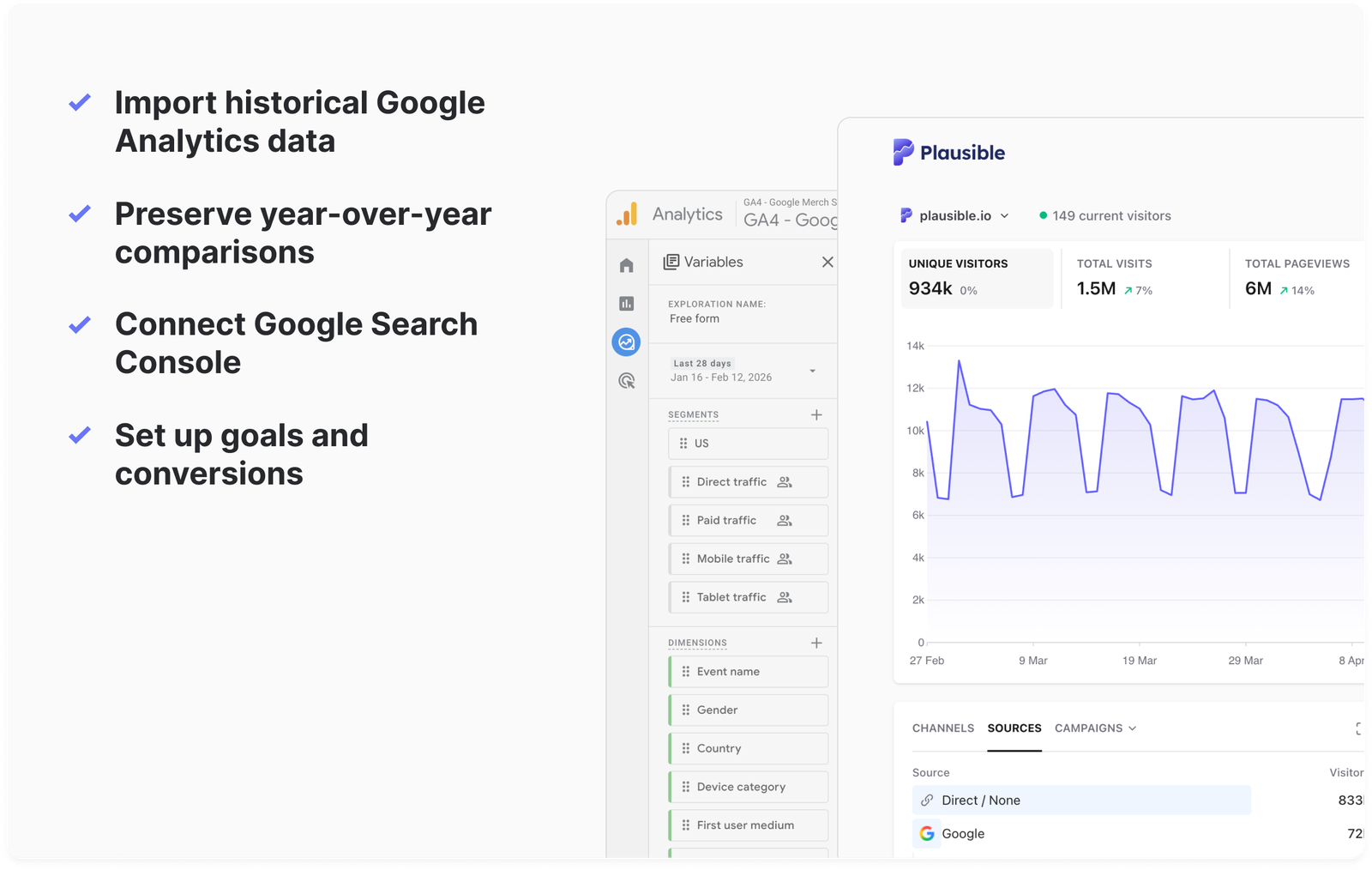
- Doing a GA import of all your GA properties into Plausible. We also ensure that there are no gaps in data and no double-counting issues. Follow this guide.
- Familiarize yourself with our metrics and definitions. We have tried to name it all to be simple, self-explanatory, and in other cases, similar to GA4’s terminology for a smooth and fast transition.
- If you’re still testing, you can even run Plausible alongside GA4, test things and only remove the GA4 script after you’re completely happy with what Plausible provides. This won’t affect your site speed either as we’re very lightweight.
Once you’re within your Plausible dashboard and wondering how to use it or set it up further in a way that enables you to do everything you were doing with GA, carry on.
Use cases: How to do in Plausible what you did in Google Analytics
Traffic and Engagement Overview
This is the most fundamental and common one.
The Plausible dashboard gives you key metrics at a glance: unique visitors, total visits, pageviews, bounce rate, visit duration, and % change versus a previous period. Simply select your date range (e.g. last 91 days) in the top-right, and you will see all your metrics along with their respective graph.

No need to build custom reports (unless you want to, which is also possible): all core stats are on one page.
Upon scrolling, you will find some standard reports that let you segment by traffic source, campaign, country, device, etc. For example, click the “Channels” report to see which channels (social, search, email, etc.) drove traffic.
You can explore our very own live stats dashboard.
GA4: These metrics are found in different reports under different groups on the sidebar.
Campaign and Channel Performance
Tracking marketing campaigns is straightforward. By default, your traffic is automatically grouped by channels:
- Display
- Email
- Affiliates
- Paid Search
- Paid Shopping
- Referral
- SMS
and a whole bunch of others (full list with explanations here…which automatically covers all kinds of traffic you acquire from different marketing channels including paid and organic ones.
Specifically for paid ads and campaigns, just tag your URLs with standard UTM parameters (utm_source, utm_medium, utm_campaign, etc.) – Plausible will pick them up. In the Top Sources report, switch to the Campaigns tab to see how many visits each UTM campaign or ad generated.
You can further filter by UTM Medium, Source, Campaign name, Content, or Term. This lets you drill into which specific email, ad, or promotion drove traffic and led to conversions.
Tracking Google Ads with Plausible
There are two ways to track Google Ads traffic: manual UTM tagging and auto-tagging using gclid
if you’re using auto-tagging in Google Ads.
Plausible automatically detects the gclid parameter and attributes the visit to Google Ads. These visits show up under the “Paid Search” channel, no manual tagging required.
P.S. We track the msclkid (Microsoft Click ID in Microsoft Ads) too.
For conversion tracking from campaigns, just set up goals in Plausible, like a thank-you pageview goal (no code setup needed) or a custom event, and you’ll be able to measure precisely how many conversions each campaign, ad group, or keyword is driving, as long as your URLs are tagged.
For more, check out tracking Google Ads in Plausible.
Funnily enough, Google Analytics does not track ads performance accurately. According to this independent experiment, the conversions are underreported by about 20.3% in GA4 when using a consent banner, and about 11.3% even without using a consent banner.
With Plausible, you don’t need a consent banner so your conversion tracking is way more accurate from the get go.
Audience Segmentation and Custom Dimensions/Properties
If you’ve used GA4’s “comparisons” or custom dimensions to slice your audience, you’ll find segmentation in Plausible to be much simpler and more flexible. Every dimension—like referrer, landing page, device, country, campaign, etc.—can be clicked and filtered right from the dashboard.
Custom Properties is our version of Custom Dimensions in GA4. You can define Custom Properties to tag your events or pages with extra info. Think of them like GA4’s event-scoped custom dimensions, but much simpler to use.
Once you know which actions you care about (e.g. a “Signup” event or a button click), you can send extra labels along with that event. For instance, mark a blog-pageview with property author=”Alice” or send a purchase event with plan=”Pro” with your events or pageviews.
After that, the new property immediately appears under Properties in the dashboard. You can then filter or segment any report by these values. Once filtered, the entire dashboard updates, giving you a full picture of how each audience segment behaves across traffic, content, goals, and funnels.
Because of this, you can answer questions like “Which author’s articles convert best?” or “Which signup plan attracts more visitors?” without complex setup. In the dashboard, click Filter and pick your custom property to see the
You don’t need to predefine a schema or worry about quotas. By contrast, GA4 requires manually registering each custom dimension (with limits on count and scope).
See full info on how to set up custom properties here.
Tracking SEO Performance
Here’s how to do it:
- Top sources and landing pages
You will find Organic Search traffic broken down by referrer. You can click “Google,” “DuckDuckGo,” “ChatGPT” or any other entry to see exactly which pages are bringing in the most visitors from your SEO efforts. - Google Search Console integration
You can connect your site’s GSC property to Plausible in one click. This adds a “Search terms” report showing which keywords are driving clicks and conversions to your site from Google along with impressions, click-through rate, and average position. - Filter by search traffic
Click on “Organic Search” in the Channels report to filter the entire dashboard to just SEO-driven visitors. You can then analyze their behavior: what pages they visit, what goals they complete, what countries they come from, and so on.
This setup gives you a focused SEO view without requiring custom dashboards. All the insights are integrated into your main analytics flow.
More on tracking SEO with Plausible here.
Revenue and E-commerce Tracking
If you run an online store or track monetary conversions, Plausible can handle revenue attribution too. Simply create a Custom Event goal for a purchase, and enable its revenue tracking.
You can then send the sale amount and currency with each conversion (via JavaScript or a CSS class). Plausible will show total revenue, average order value, conversion rate, etc. on your dashboard.
These revenue metrics are fully filterable by any dimension – campaign, source, landing page, country, device, even your custom properties. For example, you can see total revenue from a specific ad campaign or compare purchase value by product category (using a custom property for category).
More on ecommerce and revenue tracking here
For WordPress shops, we even have an official plugin. You can also automatically track WooCommerce events (add-to-cart, complete purchase, revenue, product name/category, etc.).
This includes a built-in funnel from product page to checkout for easier analysis. Shopify users can likewise set up Plausible for a complete store tracking. The flexibility means you get essential e-commerce insights without the complexity of GA’s Enhanced Ecommerce setup.
GA4: has sophisticated multi-step purchase funnels and customer lifetime metrics; Plausible focuses on immediate conversion steps and revenue. It does not track individual user journeys across sessions or calculate LTV by user.
Funnel Analysis and Conversion Goals
In your site settings, you can add a funnel with 2–8 steps, using either pageview goals or custom events as the steps. For example, you might build a signup funnel: Visit /register → Signup form → Account activation → Profile setup.
Once set up, Plausible shows the conversion rate and drop-off at each step. This visualization makes it easy to spot where visitors are leaking out of your process.
Importantly, Plausible funnels use real, consented data – there’s no modeling or guesswork. If a visitor declines tracking, that session is simply not counted (it’s not estimated with machine learning). This means funnel conversion rates are truthful and not inflated by predictive fills.
In practice, you can spin up a funnel in seconds, and filter it by channels/campaign, locations, and devices for deeper insight.
For instance, filter a signup funnel by UTM campaign to see which ads lead to the best conversion rates.
More on funnel optimizations and using them in Plausible here
P.S. We are also working on creating user journeys.
GA4: Build funnels via Explorations, but it requires manual setup of each step and can’t easily share insights on a simple dashboard. Our funnels are meant to be quick and straightforward, with the analytics “puzzle pieces” already in place.
In GA4, tracking anything beyond a pageview often means heading into Google Tag Manager and configuring custom event parameters, scopes, and triggers. That works, but it’s a time sink—and easy to get wrong.
Advanced and custom reporting & Data Integrations
For bespoke reports or dashboards, you have multiple options.
Looker Studio Connector
We offer an official Looker Studio (formerly Google Data Studio) connector. You can link your Plausible site and build custom charts, combining Plausible data with other sources like CRM platforms, ad data, or surveys – as you please.
The connector includes all Plausible metrics and dimensions, so you can recreate your dashboard or build completely new visualizations.
Stats API for Custom Access
We provide a robust Stats API for programmatic access. You can use it to pull visitor counts, page stats, goals, or funnel data into tools like Python, R, or any HTTP client. This enables advanced use cases like syncing with internal dashboards or analytics stacks.
Export to Google Sheets, Data Warehouses, BI Tools
The API works well for pushing data into Google Sheets, BigQuery, or any BI system. Community-built connectors like Airbyte and Fivetran allow automatic syncing of Plausible data into databases.
Bonus features (not available in GA4)
Scroll Depth tracking
Plausible automatically tracks scroll depth without requiring additional setup. You can see how many visitors reached how much percentage of a page from 1-100% – useful for understanding content engagement beyond bounce rate.
In GA4, the built-in scroll tracking (available as an enhanced measurement, which needs to be turned on manually) is limited as it only allows tracking at 90% scroll depth. This is only useful in knowing whether visitors are scrolling all the way down or not.
Therefore, the solution suggested by GA experts is to disable it entirely and implement a more customized (cumbersome) solution within Google Tag Manager.
Embeddable dashboards
In GA4, building a clean, shareable report often means jumping into Looker Studio or using Google Sheets.
In Plausible, it’s quite easy. Want to share performance with a team or client? You can send a live dashboard link (with optional branding removed), embed it, or export the data to CSV. For recurring needs, the official Looker Studio connector lets you recreate any view and combine it with other data sources.
You can also embed your Plausible dashboard anywhere with an iframe, great for internal sharing or displaying your stats on a site.
Slack alerts
You can enable your Plausible Analytics weekly and/or monthly reports and traffic spike notifications to be sent directly into your Slack channel.
GA4 does not support built-in Slack alerts. You’d need to:
- Use Google Analytics 4 data in Looker Studio or BigQuery,
- Connect that to a third-party tool (e.g. Zapier, Google Apps Script, or a custom webhook),
- Set up your alert logic there.
In the end
| Use Case | GA4 | Plausible |
|---|---|---|
| Traffic overview | Custom reports, dashboards | All-in-one main dashboard |
| Campaign tracking | UTM parameters and conversion setup | UTM support by default, filterable |
| Funnels | Manually built using Explorations | Simple multi-step funnels, instant setup |
| Goals & conversions | Events marked as conversions | Pageview or event goals |
| Ecommerce revenue | Enhanced Ecommerce tracking | Event-based multi-currency revenue tracking |
| Custom segmentation | Custom dimensions | Custom properties on events & pages |
| SEO performance | Search Console integration | Search Console integration |
| Realtime view | Realtime overview, misleading | Realtime mode, filterable, accurate |
| Geo/device breakdowns | Built-in reports | Built-in reports |
| Retention & cohorts | Yes | Not available (by privacy-friendly design) |
| Attribution modeling | Multiple model options | Last-touch only |
| Looker Studio reports | Yes | Yes (official connector available) |
Did we miss something or do you have any specific questions that you’d like for us to answer? Contact us, we reply as fast as possible within business days. And you can start your free trial here. Welcome to the Plausible world!