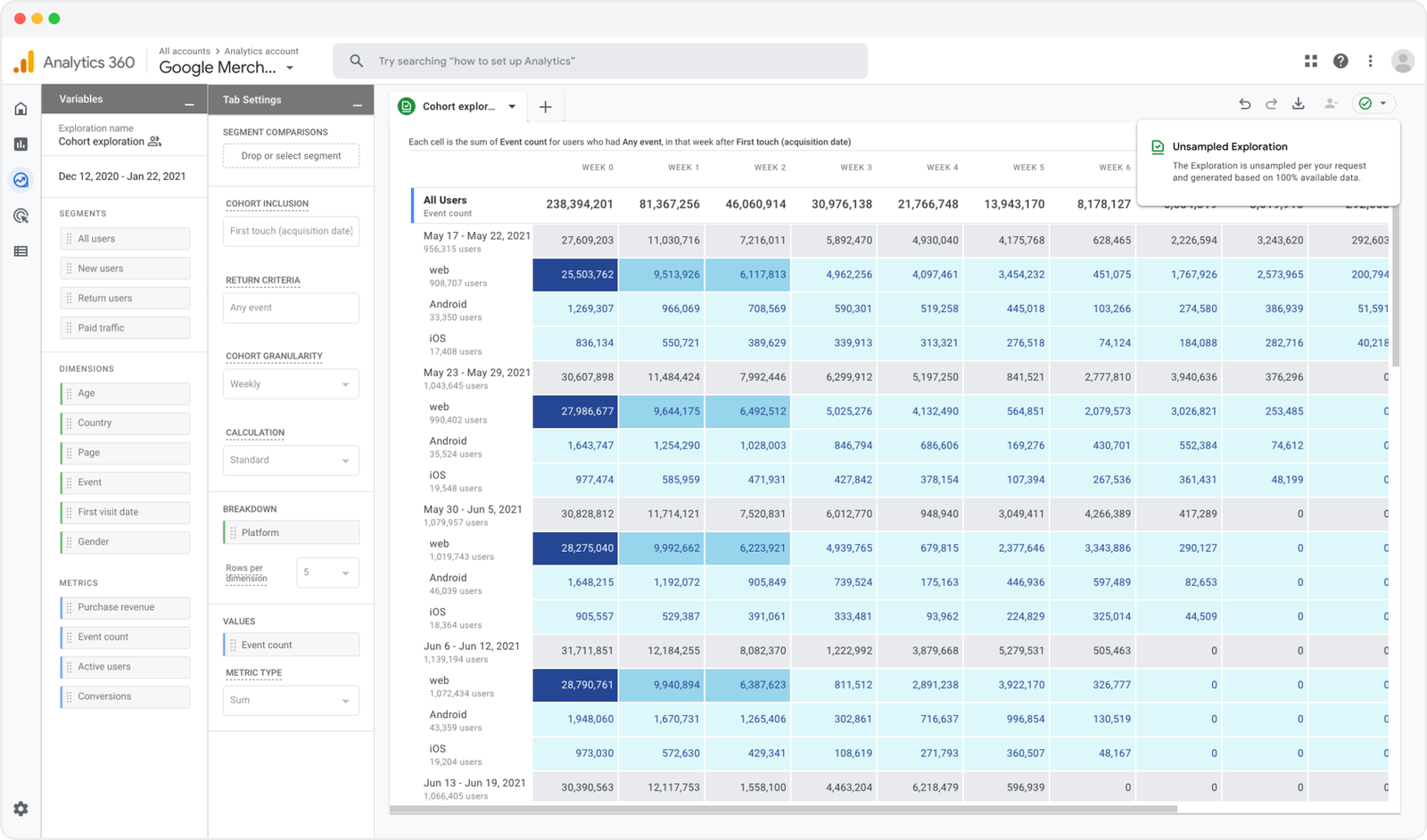
The standard version of Google Analytics 4 (GA4) is free. Its paid enterprise version, Google Analytics 360 (GA360), requires a quote. Google does not publish a current dollar price list.
That is the subscription answer. The more useful question is what you get for the money, including the work it takes to turn your analytics into something your team can use.
Here’s how the free and paid versions work, where the GA360 price figures come from and what to consider before upgrading or renewing.
All dollar amounts are US dollars. Sources checked in October 2026.
- Is Google Analytics free?
- How much does Google Analytics 360 cost?
- What are you buying when you upgrade to GA360?
- The costs outside the subscription
- GA360 still depends on your consent setup
- Plausible Enterprise: simpler web analytics at scale
- Try the reports before choosing the subscription
Is Google Analytics free?
Standard Google Analytics has no subscription fee. You can use it for a business website without buying GA360. A growing audience does not automatically trigger a paid plan.
GA4 already includes traffic reports, campaign measurement, ecommerce reporting and funnel explorations. GA360 gives organizations higher limits and additional enterprise capabilities within GA4.
| Product | Subscription cost | What that covers |
|---|---|---|
| GA4 Standard | Free | Website and app analytics within standard limits |
| GA4 360 | Custom quote; no public Google dollar price list | Higher limits, additional controls and enterprise support |
You can still incur costs around the free version. An agency might manage your implementation. Your team might export data to BigQuery or maintain custom reports. Those expenses are separate.
Free GA4 does not come with a mandatory agency bill. Equally, a GA360 license does not necessarily cover all the work around it.
How much does Google Analytics 360 cost?
Google does not publish a dollar price list on its Analytics 360 page. You can contact Google’s enterprise sales team or a Google Marketing Platform sales partner for a quote.
A reseller article published in 2022 described a suggested $50,000 annual starting price. This is a historical reference point, not a verified current minimum. You need a current quote to establish what your organization would pay.
The suggested $150,000 annual starting price for Universal Analytics 360 refers to the older product. It should not be confused with GA4 360 pricing or presented as today’s minimum.
What makes a GA360 bill increase?
Google’s billing documentation describes a base fee covering the first 25 million monthly events, followed by tiered fees for additional volume. The per-event rate falls at higher tiers.
An event allowance is not a visitor allowance. Someone can arrive on a page, scroll, view another page and submit a form during one visit. Your configuration determines which interactions generate events. Google excludes certain events from billing, including user engagement, spam and hidden system events.
Subproperties and roll-up properties can add processing charges too. They let organizations split reporting into subsets or combine multiple properties. For example, Google documents an additional roll-up event charge at half the source-event cost, subject to your contract.
Ask for a quote based on billable events and your complete property structure. Pageviews alone will not tell you what the bill should be.
Eligible admins can also preview usage and sample pricing in Google Marketing Platform. Google notes that the preview rates are not contractual and can vary by market. It is a useful check against your usage, rather than a substitute for your agreement.
What are you buying when you upgrade to GA360?
GA360 makes sense when a specific limit or enterprise requirement gets in the way of work you already do.
For example, a team that needs complete daily BigQuery exports above the standard allowance has a concrete capacity problem. An organization that needs separate reporting for regional teams may have a property-management requirement.
Several differences appear in Google’s Standard versus 360 documentation:
| Capability | GA4 Standard | GA4 360 |
|---|---|---|
| Event parameters | 25 per event | 100 per event |
| Audiences | 100 per property | 400 per property |
| Daily BigQuery export | 1 million events per day | Up to 20 billion events per day |
| Enterprise service-level agreements | Not included | Covered by a 360 contract |
Streaming BigQuery exports are a separate option with no event-volume limit in either version. Google describes streaming as a best-effort service that may have data gaps and incurs additional BigQuery charges. Exceeding the daily export allowance does not mean every export route requires GA360, but streaming is not equivalent to a complete daily export.
GA360 also offers longer retention options. One detail frequently gets lost in comparisons: the free version’s 14-month retention setting does not mean all your traffic reports vanish after 14 months. Google’s retention setting governs explorations and funnel reports, not standard aggregated reports.
Retention also depends on data type and property size. Google limits user-level and key-event data retention to 14 months even in GA360; the longer settings apply to other event data. Large standard properties and XL 360 properties are limited to two months of event-level retention.
These differences can justify an upgrade. They do not make GA4 a different product to use. Higher limits won’t make a confusing report easier for your colleagues to understand.
The costs outside the subscription
A useful analytics budget includes the work needed to get from a visitor arriving on your site to a report someone acts on.
Setting up and maintaining measurement
Installing a tag is only the beginning if you need custom events, consent configuration or a reporting pipeline. Someone has to define those events, test that they fire correctly and maintain them when your website changes.
That work may be handled internally, by an agency or through your GA360 partner. Check what is included before adding a separate allowance for it.
Getting reports into people’s hands
Consider your last campaign review. Could the marketing team see which landing pages generated signups? Or did someone have to build an exploration, export a spreadsheet and explain why the numbers differed from another report?
Count that time. A report that requires specialist help every month has an ongoing cost even when the software subscription is free.
Running the surrounding tools
If you use BigQuery, server-side tagging infrastructure or a paid consent management platform, include the relevant costs. Replacing analytics will not remove a consent platform you still need for advertising or other tools.
For a practical estimate, fill in this worksheet using your own invoices and working hours:
| Recurring cost | Your monthly amount |
|---|---|
| GA360 license, if applicable | Annual license fee divided by 12 |
| Additional usage | Charges outside your included allowance |
| Agency or partner services | Work not already included in the license |
| Infrastructure and other tools | The share attributable to analytics |
| Internal maintenance and reporting | Monthly hours multiplied by your internal hourly cost |
Add those amounts and multiply by 12 for a recurring annual estimate. Record one-time implementation costs separately. If your traffic is seasonal, use a full year of invoices or model the months individually.
GA360 still depends on your consent setup
There is another question a price comparison needs to answer: will the upgrade fix the problem that made you look for one?
If you need higher export limits, GA360 can help. If your concern is relying on cookie consent to measure your website, buying more capacity leaves that collection model in place.
With basic Consent Mode, Google’s tags remain blocked when a visitor does not consent. Advanced Consent Mode sends cookieless signals and can support modeling to fill gaps, subject to eligibility requirements. Modeled activity and directly observed visits are different kinds of evidence. Google also states that advanced Consent Mode does not increase GA360 event-based billing.
Plausible Enterprise: simpler web analytics at scale
Plausible is a privacy-first, open source alternative to Google Analytics. We built it to help you understand your website without tracking people across the internet. We don’t use cookies or collect personal data about website visitors, so our analytics don’t require a consent banner. We’re an independent business funded by subscriptions, with visitor data kept on European-owned infrastructure in the EEA.
You don’t have to move to GA360 to keep measuring a growing website. Plausible shows which campaigns bring signups, which pages generate revenue and where visitors abandon a funnel.
And simpler analytics doesn’t mean smaller websites. The largest site in our network receives around one billion monthly pageviews. Organizations including Hugging Face, MongoDB and Basecamp use Plausible.
Our Enterprise plans extend that approach to organizations with higher traffic, more sites and larger teams. They can include Single Sign-On (SSO) using SAML 2.0, the Sites API for programmatic site management, a managed proxy to reduce blocking and scheduled raw event data exports for your warehouse. We agree the features and limits with you, so you can get higher capacity without taking every Enterprise feature.
Check out the details of our Enterprise plans here.
How Plausible Enterprise compares with GA360
For an Enterprise decision, look at how each product collects data, supports your workflows and charges for usage:
| Requirement | Plausible Enterprise | Google Analytics 360 |
|---|---|---|
| Analytics consent | No cookies; no consent banner needed for Plausible | Basic Consent Mode blocks tags without consent; advanced mode sends cookieless signals and supports modeling, subject to eligibility |
| Cross-device measurement | Deliberately does not recognize the same person across devices | User-ID can connect activity across devices and platforms when implemented in accordance with Google’s policies |
| Advertising audiences | Campaign and conversion reporting without building remarketing audiences | Google Ads integration supports conversion sharing and remarketing |
| Reporting across websites | Consolidated View is available from the Business plan, including Enterprise. It combines native traffic across sites in a team; excludes imported data and revenue goals | Roll-up properties require GA360, Google’s paid enterprise version. They combine source properties; subproperties provide filtered datasets |
| Raw data for your warehouse | Daily event- and session-level exports to S3-compatible storage, ready for your own loading pipeline | Native BigQuery exports, including daily and streaming options |
| Data retention | Extended retention agreed as part of your plan | Up to 50 months for other event data; user-level and key-event data are limited to 14 months. Property-size limits also apply |
| Pricing basis | Custom plan based on pageviews plus custom events, required features and limits | Base fee plus tiered billable-event charges; subproperties and roll-ups can add costs |
Which questions can each tool answer?
Several Google workflows below are also available in free GA4. GA360 adds higher limits and enterprise controls.
| Analytical question | Better fit |
|---|---|
| Which marketing channels bring the most visitors? | Both |
| Which landing pages have the highest conversion rates? | Both; configure goals in Plausible and key events in GA360 |
| Where do visitors abandon a signup funnel? | Both, with funnel steps configured |
| Which campaigns generate the most recorded website revenue? | Both, with revenue tracking configured; attribution differs |
| What paths do visitors take before converting? | Both; Plausible’s user journeys currently exclude revenue and property-filtered goals |
| How do individuals behave across devices and apps? | GA360, with User-ID configured; Plausible deliberately does not link people across devices |
| Can we build remarketing audiences from analytics behavior? | GA360, through Google Ads integration; Plausible does not build remarketing audiences |
| Can we export event-level data for our warehouse? | Both; Plausible delivers daily exports to S3-compatible storage for your own warehouse pipeline |
| Can we measure conversions without cookies or persistent visitor profiles? | Plausible, by design |
If your workflow depends on cross-device customer measurement or activating analytics audiences in Google Ads, those are capabilities Plausible deliberately doesn’t provide. And if you need events in BigQuery within minutes, our daily raw exports won’t meet that requirement. Check the workflows you rely on before replacing them.
Plausible’s pageviews and custom events also won’t necessarily match your GA4 billable-event count. Compare quotes using the volume and requirements for each product, rather than assuming the same event allowance buys the same thing.
Need a simple and privacy-friendly enterprise analytics tool? Discuss a Plausible Enterprise plan with us. Tell us your traffic volume, the sites you manage and the reports your team relies on. We’ll explain how Plausible would handle them and put together a quote.
Explore Plausible’s live dashboard to see how the reporting works.
Try the reports before choosing the subscription
You don’t have to decide from a feature table. Start a 30-day free trial and run Plausible alongside your existing analytics. No credit card is required.
Use it for an actual reporting task: review a campaign, compare landing-page conversions or investigate a signup funnel. Check whether your colleagues can get the answers they need and understand how those answers were measured.
The standard trial includes Business plan features. Contact us to discuss your Enterprise requirements such as SSO or scheduled exports.
Your website can grow without making individual tracking the foundation of your analytics. Plausible is built for that choice.